AI mugshot generator
Make a fictional booking-style portrait from your own photo. Keep your face recognizable, describe the background and share the finished edit.
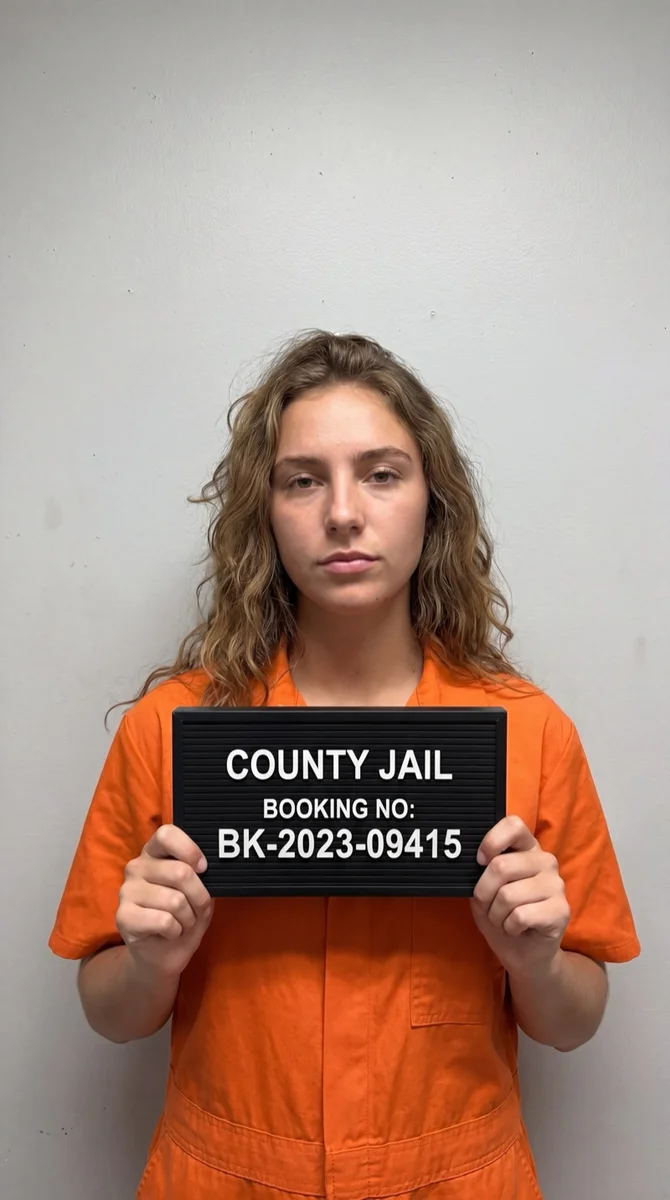
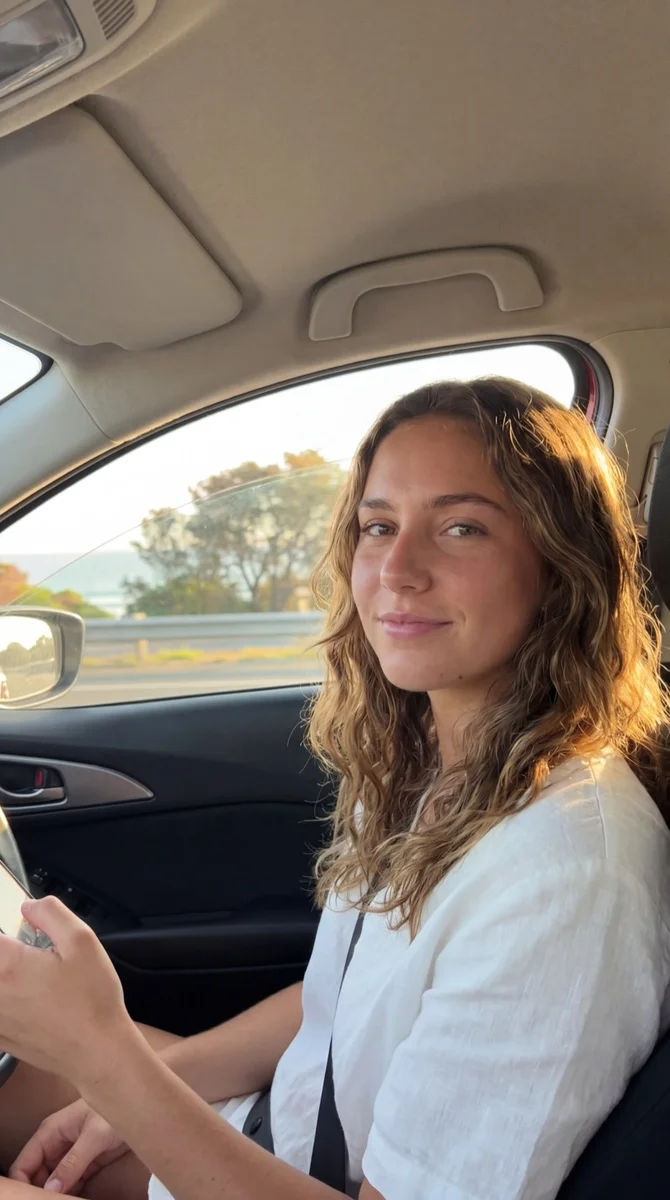
Try it on your photo
How to make a mugshot-style photo
Start with a front-facing photo
Choose a recent portrait with one face clearly visible. A head-and-shoulders photo works well because the expression, hair and outline of the face are easy to see. Leave a little space around the top of your head rather than cropping tightly through the hair.
Add the details you want
The mugshot preset already requests a fictional movie-style booking portrait. Use the extra instructions for a plain gray backdrop, a neutral expression or details you want to preserve. Keeping the instructions focused makes it easier to compare the finished portrait with the original.
Turn this portrait into a fictional movie-style mugshot with a neutral height-chart background. Keep my face, hair and beard recognizable.
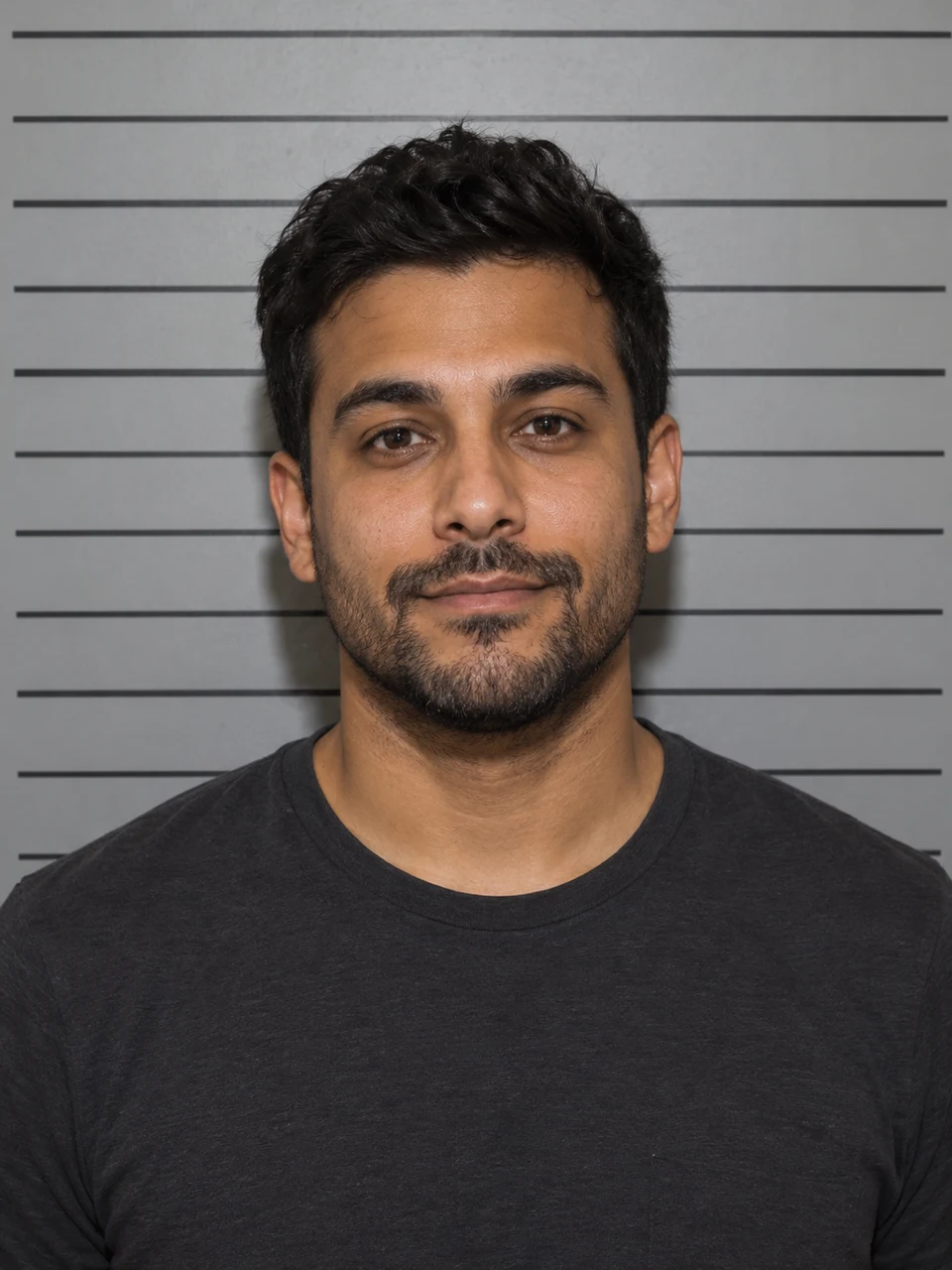
Generate and share the result
When the image is ready, switch to the original to check the face and expression. Download the result or use the share button to send it from your phone. Keep a copy of the original too, especially if the pair is part of a photo prank.
BeforeAfter
A booking-photo look from a familiar portrait
A mugshot-style edit changes the setting and presentation of a portrait: a front-facing pose, simple lighting and a height-chart background create the familiar booking-photo composition. The useful part of starting with your own photo is recognition. Your hair, expression and facial features give friends something familiar to spot in the new scene.
Make a photo prank for the group chat
Choose a photo your friends already recognize, then let the changed setting carry the joke. A clear face and a simple background are usually easier to read on a phone than a scene full of props. You can send the edited image with your own message instead of adding a long caption inside the picture.
Create a movie-style character portrait
Use a portrait as the starting point for a fictional character image. Describe the mood or background you want, and identify any clothing or facial details that should remain. The existing preset creates a booking-photo effect; it does not look up a person or connect the image to a real case.
Keep the face, change the presentation
If you want the result to feel like the same person, ask to retain the haircut, beard, glasses or shirt visible in the source. Compare those features before saving. When a small detail changes unexpectedly, return to the original photo and make that detail explicit in your next set of instructions.
Choose a photo that keeps the face recognizable
Use one clear face
A single-person portrait gives the editor a clear subject. Avoid group shots, faces hidden by hands and photos taken from far away. If you crop a larger photo first, keep the full head and some shoulder space so the final framing does not feel squeezed.
Keep the source sharp and well lit
Choose an image where you can see the eyes, hairline and edges of the face clearly. Strong shadows, motion blur or a heavy beauty filter can hide details you want to keep. A simple portrait is enough; the original background does not need to resemble a booking room.
Ask for a clean image before adding lettering
A portrait without added lettering is easier to use in a message, meme or video. You can ask for no text in the extra instructions and add your caption afterwards in your posting app. If you request words inside a generated image, inspect their spelling before sharing.
Keep the details you like.
Use a plain gray height-chart background. Keep my face, hair and shirt the same, with no added text.
Questions about mugshot photos
Need something else? Contact us.
Upload a portrait and add any extra instructions. The tool uses the mugshot preset to request a fictional booking-style version of that photo. If you are not signed in or do not have a plan, you complete those steps first and continue with the same photo in the app.
No. It creates a fictional image with a movie-style booking-photo appearance. It does not search arrest databases, identify a suspect, verify a record or produce an official document. The result is a creative photo edit, not evidence that an event occurred.
The preset asks to preserve your identity and recognizable features. A sharp front-facing portrait helps make the comparison useful. If a beard, glasses or hairstyle is important, mention it in the instructions and check the output against the original before saving it.
You can describe a plain gray wall, a neutral expression or a simpler height-chart background in the extra instructions. This is a text-guided photo edit rather than a set of separate background and expression controls. The exact result depends on your source photo and instructions.
You can request lettering in the instructions, but generated text can contain spelling mistakes or look different from what you intended. For precise captions, create the portrait without text and add the wording afterwards in your photo or video editor.
Yes. Use the page in your browser and tap Add Your Photo to open your device picker. Depending on the browser, you can choose a photo from your gallery or take a new one. The editor includes download and share controls for the completed image.
Uploading a photo to this page and writing instructions does not cost anything. Image generation requires a paid plan. Eligible new customers can start with 40 images for $0.99 for three days, then renew weekly at $6.99 per week or yearly at $59.99 per year with 100 images per month.
Yes, the page saves the photo and instructions in this browser before you leave. Sign in and return using the same browser to continue in the mugshot editor. A completed payment gives you access, but you still press Generate Image yourself to create the result.